

Need Help Designing a Tag?
How Vantage Processes Virtual Tags
When you save a virtual tag, Vantage reapplies it across the cost data in its scope, reprocessing each affected billing data import. A few factors determine how much work each save creates:- Backfill window: Billing Period Backfill controls how far back the tag is reapplied. A multi-year backfill covers significantly more data than a few months.
- Tag breadth: Each value, each collapsed key, and each filter inside a tag adds to the work required to apply it. More values usually mean more work, but what matters most is how many cost rows (the individual line items in your cost data) fall in scope and, for allocations, how many targets each row splits into. As a result, a small tag that matches a huge number of rows or fans out into many allocation targets can cost more than a larger one. Complex filter operators (
flexible match,contains) also take longer to evaluate than equality. - Nesting depth: When one virtual tag references another, the referenced tag has to be processed first. Every additional level of nesting adds another full run over the data in scope (a “pass”).
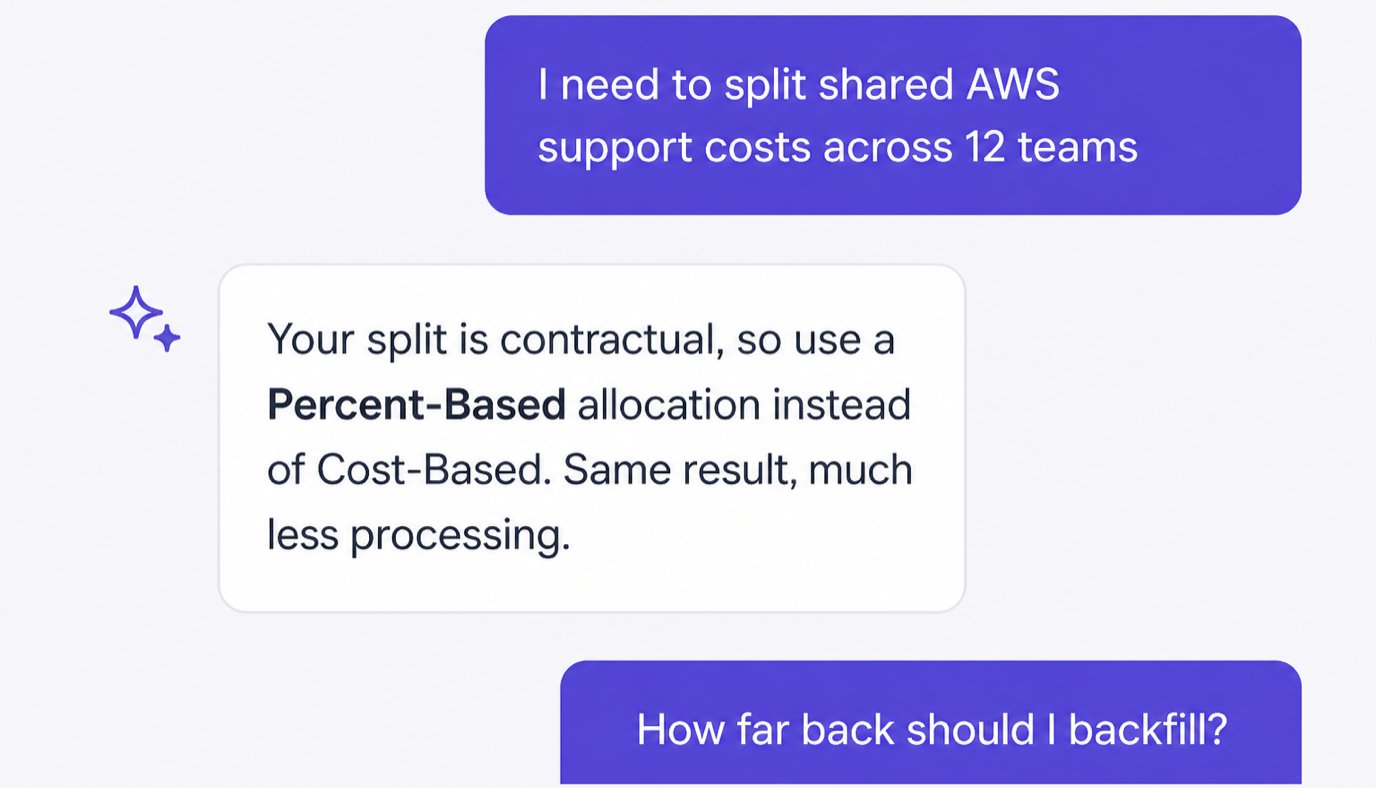
- Virtual tag type: Custom Value and Tag Key Collapsing tags are lightweight: they map or copy values without changing how many cost rows exist. Allocations do more work because they split each matched cost row into multiple rows, one per team, project, or other target the cost is spread across. That added row volume is the real driver. Percent-Based allocations are usually cheap because they split across only a handful of fixed percentages. Cost-Based and Business Metrics-Based allocations also aggregate a driver (spend or a business metric) and can fan each row out across many targets, so they take longest.
Selecting the Right Virtual Tag Type
Picking the right type for each use case is the choice that has the biggest effect on processing time. The following table lists each type from fastest to slowest to process.Recommended Hierarchies for Large Organizations
The hierarchies that scale best are flat and intentional. Add nesting only when the relationship is dynamic, that is, when an underlying mapping changes often enough that maintaining it in one place is worth a serial processing pass.Start with a Flat Core Set of Tags
For most organizations, a small core set of five flat virtual tag keys covers most reporting needs. Keep each one independent, with no nesting between them, so they don’t depend on each other and edits don’t cascade across tags. Each of the above tags is a Custom Value tag (or a Tag Key Collapsing tag if your underlying provider tags have casing variations). Build the core set first and resist adding more until you have evidence that a sixth key is needed.Nest Only When the Mapping Is Dynamic
The classic case for nesting isapplication → business-unit. Applications change ownership across business units more often than business units appear or disappear, and you want one place to update that mapping.
This is a two-level hierarchy. Every time a relevant import is processed, Vantage runs an application pass first, then a business-unit pass. That is acceptable. A four-level hierarchy—resource → application → team → business-unit—usually is not, because each level adds another processing pass. This nesting limit is a performance guideline, not a hard rule. When a chain starts to feel that deep, look for a layer whose mapping is stable enough to inline into its parent.
See the Nested Virtual Tags Example for the full walkthrough.
Use Allocation Chains Sparingly for Chargeback
Allocated tags can reference each other in a chain (for example,Team → Sub-Team), which is useful for layered chargeback. Unlike nesting depth, this is a hard limit: a hierarchy can be up to three allocated tags deep. Only allocated tags count toward it, and non-allocated tags (Custom Value, Tag Key Collapsing) don’t, so a chain can be more than three levels deep overall as long as no more than three of those levels are allocations. Chaining allocations is also one of the most expensive things you can do to processing time. Each allocation in a chain expands rows on top of the one before it, and matching against an already-allocated tag costs more than matching a regular tag, so every added link multiplies the work. Avoid mixing many independent allocated tags on the same provider since each one redistributes costs into a separate dataset.
-
Allocation chains are per provider: An AWS allocation chain is independent of a GCP one. You can have a percent-based
Teamallocation on AWS and a separate cost-based allocation on GCP with no conflict. Non-allocated virtual tags (Custom Value, Tag Key Collapsing) can also span providers freely. -
Within a single provider, allocated tags can reference each other only when they sit in the same chain: If you already have a
Teampercent-based allocation on AWS and want to add anEnvironmentallocation that builds on it (for example, to split costs further within a team), structureEnvironmentto chain offTeam, referencingTeam = Engineering(or similar) in its Output Costs Filter. If a new allocated tag tries to reference allocated tags from two unrelated AWS chains in one configuration, Vantage rejects the save with the error “cannot reference tags from different allocation groups within the same provider (aws).” Two independent allocated chains can still coexist on the same provider (for example, aTeam→Sub-Teamchain and an unrelatedRegionallocation, as in the Allocation-on-Allocation Example). They just can’t be combined on the same Cost Report. If you try, Vantage returns “Cannot filter or aggregate costs for allocated virtual tags that belong to separate hierarchies.” Analyze each chain in its own report.- Allowed
- Rejected
A new allocated tag chains off an existing allocated tag in the same chain.
Best Practices to Keep Processing Time Predictable
The following recommendations are listed roughly in order of impact. The first three have the biggest effect.Scope filters to the providers that actually have the data
Scope filters to the providers that actually have the data
team rule that depends only on a team tag every provider already emits.Set the smallest backfill window you actually need
Set the smallest backfill window you actually need
Keep nested chains shallow and intentional
Keep nested chains shallow and intentional
Make all your edits to a tag before saving
Make all your edits to a tag before saving
Prefer equality operators over partial matches
Prefer equality operators over partial matches
isis an exact match Vantage can look up directly (supplying multiple values checks them as a set). Fastest.contains,starts with, andends withscan the text of every value in scope, so they inspect far more data.flexible matchnormalizes and pattern-matches every value before comparing, which makes it the slowest.
env vs Environment), use Tag Key Collapsing instead. It is fast and gives you a single canonical key.Use Tag Key Collapsing to standardize keys, not per-value filters
Use Tag Key Collapsing to standardize keys, not per-value filters
environment tag with three key variations is to create one virtual tag value per environment with three filters each. The right way is to create one virtual tag with three collapsed keys. Collapsing copies values through automatically and stays correct as new values appear at the provider.Reserve per-value Custom Value filters for when the source-to-target mapping is genuinely many-to-one and would not survive a value being copied through verbatim.Order overlapping rules so the right one wins
Order overlapping rules so the right one wins
Prefer Percent-Based over Cost-Based when the split is fixed
Prefer Percent-Based over Cost-Based when the split is fixed
Anti-Patterns to Avoid
All Providers on every tag
All Providers on every tag
Backfill set to the earliest period "just in case"
Backfill set to the earliest period "just in case"
Four or more levels of nesting
Four or more levels of nesting
Iterating on a tag with many saves
Iterating on a tag with many saves
Using flexible match where Tag Key Collapsing would work
Using flexible match where Tag Key Collapsing would work
flexible match is the slowest operator. If the variation is in the key rather than the value, use Tag Key Collapsing.Frequently Asked Questions
Why did my tag take hours to process?
Why did my tag take hours to process?
billing periods in backfill × integrations whose data the tag could match × values + collapsed keys × nested levels, and for allocated tags it scales further with the number of targets each cost row splits into. A team tag with 30 values, a 12-month backfill, and All Providers across 8 integrations does an order of magnitude more work than the same tag scoped to AWS only with a 6-month backfill. Most multi-hour cases are explained by a combination of wide backfill and All Providers scoping—or, for allocations, a split across many targets that expands costs into far more line items.Does editing a referenced virtual tag reprocess its dependents?
Does editing a referenced virtual tag reprocess its dependents?
Does All Providers take longer than per-provider filter sets?
Does All Providers take longer than per-provider filter sets?
Does the order of values inside a tag affect performance?
Does the order of values inside a tag affect performance?
Can I delete unused values to speed up processing?
Can I delete unused values to speed up processing?
What about Cost Report performance? Does my virtual tag setup affect that?
What about Cost Report performance? Does my virtual tag setup affect that?
flexible match filters across All Providers. The exception is allocations: because they split costs into many more rows, a report that groups or filters by an allocated dimension reads more data and can run slower than the same report without that grouping.