> ## Documentation Index
> Fetch the complete documentation index at: https://docs.vantage.sh/llms.txt
> Use this file to discover all available pages before exploring further.
# Overview
> Explore the Vantage Overview page, your executive dashboard for monitoring cloud costs.
Once you create some provider integrations, Vantage will automatically begin ingesting billing information for your account. The default landing page in the Vantage console is the **Overview** page. This page serves as an executive-level summary, providing a comprehensive snapshot of the cost metrics that matter most to you. Review widgets on the Overview page for high-level cost summaries.
Use the **Explore** bar in the top navigation to quickly access pages, reports, dashboards, and other resources in your current workspace, making it easier to get to the report or feature you need. It can also surface recent and starred items. The **Explore** bar only shows pages and resources you're authorized to access, based on your current workspace and permissions. Press `⌘K` on Mac or `Ctrl+K` on Windows/Linux to open it.
When a user navigates to `console.vantage.sh`, the **Overview** page is displayed. An individual user or owner of a team can configure a default dashboard to be displayed instead of the **Overview** page. See the [Default Dashboards](/dashboards#set-a-default-dashboard) documentation for details.
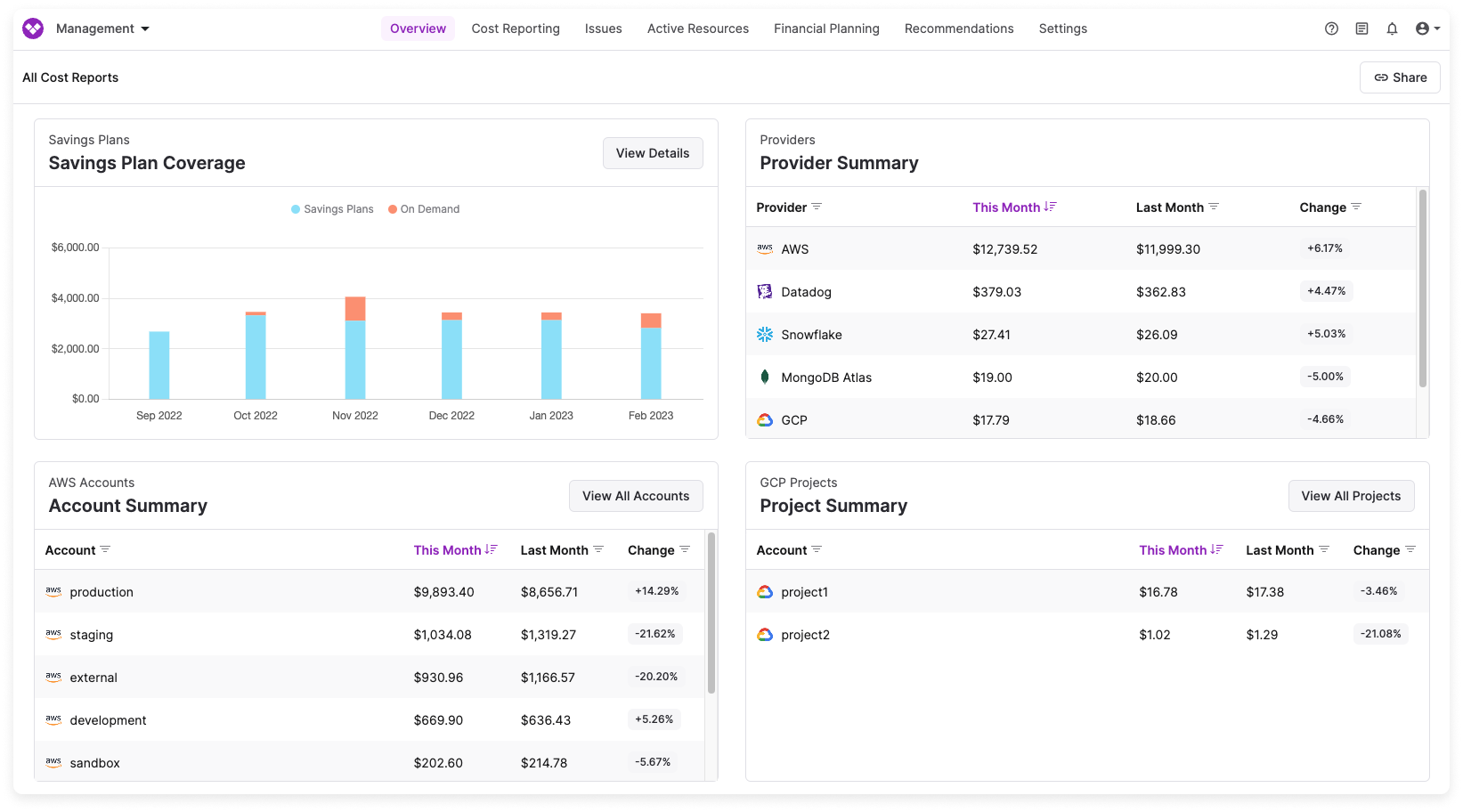
Depending on your provider connections, you will see some of the following widgets:
An AWS-specific widget that provides a clear comparison between your total on-demand vs. committed spend. This view helps you understand your expenses for on-demand resources in contrast to cost-saving strategies, like Savings Plans, Reserved Instances, Enterprise Discount Programs, and Committed Use Discounts.
Widgets that offer comprehensive cost breakdowns for providers. These widgets provide you with spending insights, displaying the current accrued costs and cost trends compared to the previous month.
A widget for each one of the [Cost Reports](/cost_reports) you create. One default Cost Report will be present in your account that is referred to as **All Resources**. As you create more Cost Reports in your account, a summary of each Cost Report will automatically show up on the Overview page.